CMP Super Agent
Command a VPS, apps and APIs from one chat on your phone.
Your Android phone, on your Mac. Free.

The problem I faced
I work on a Mac all day, but my phone is Android. Every notification, photo and copied link meant picking up the phone and breaking focus. The Mac and Android simply don't work together the way an iPhone does.
What I built
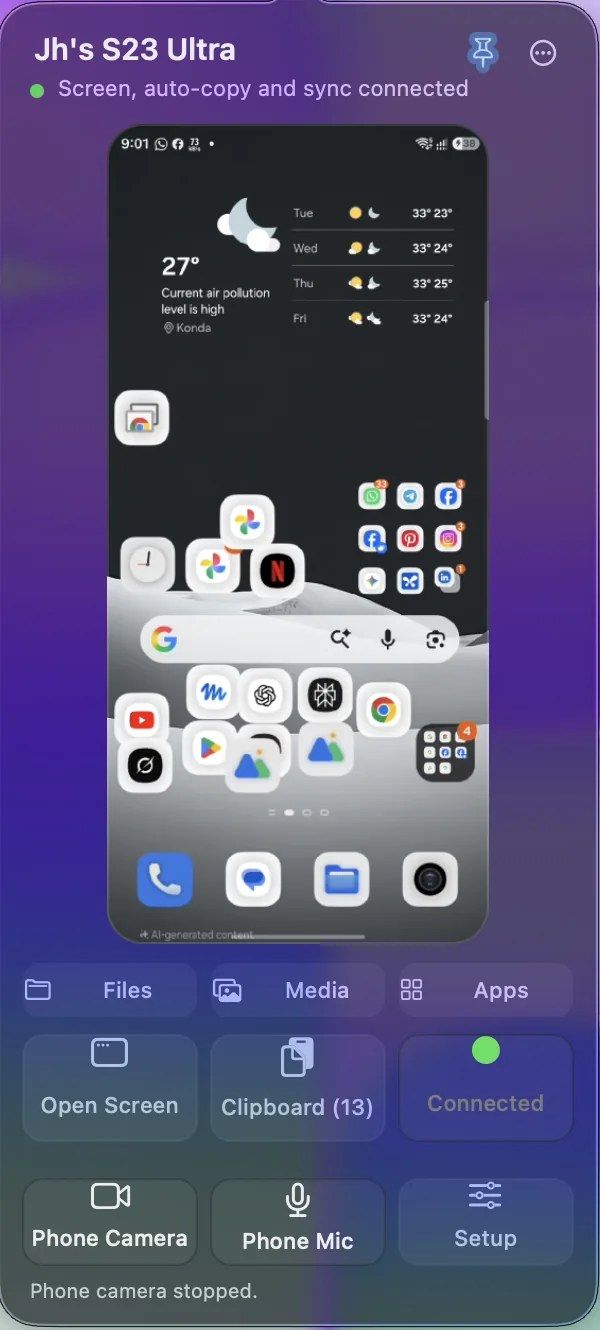
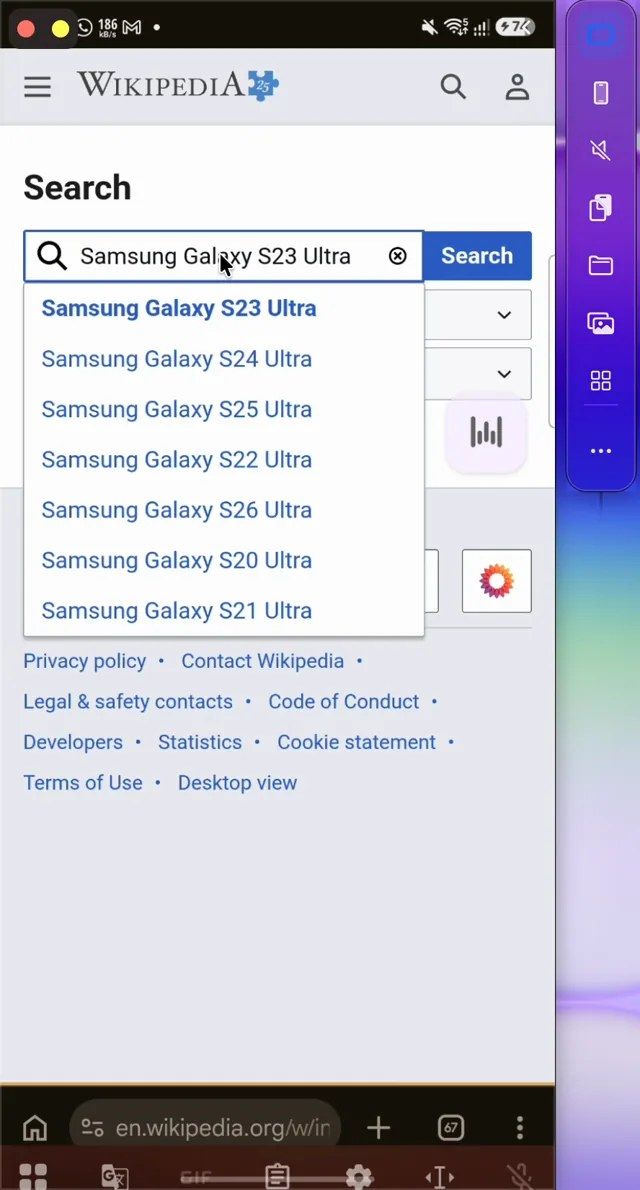
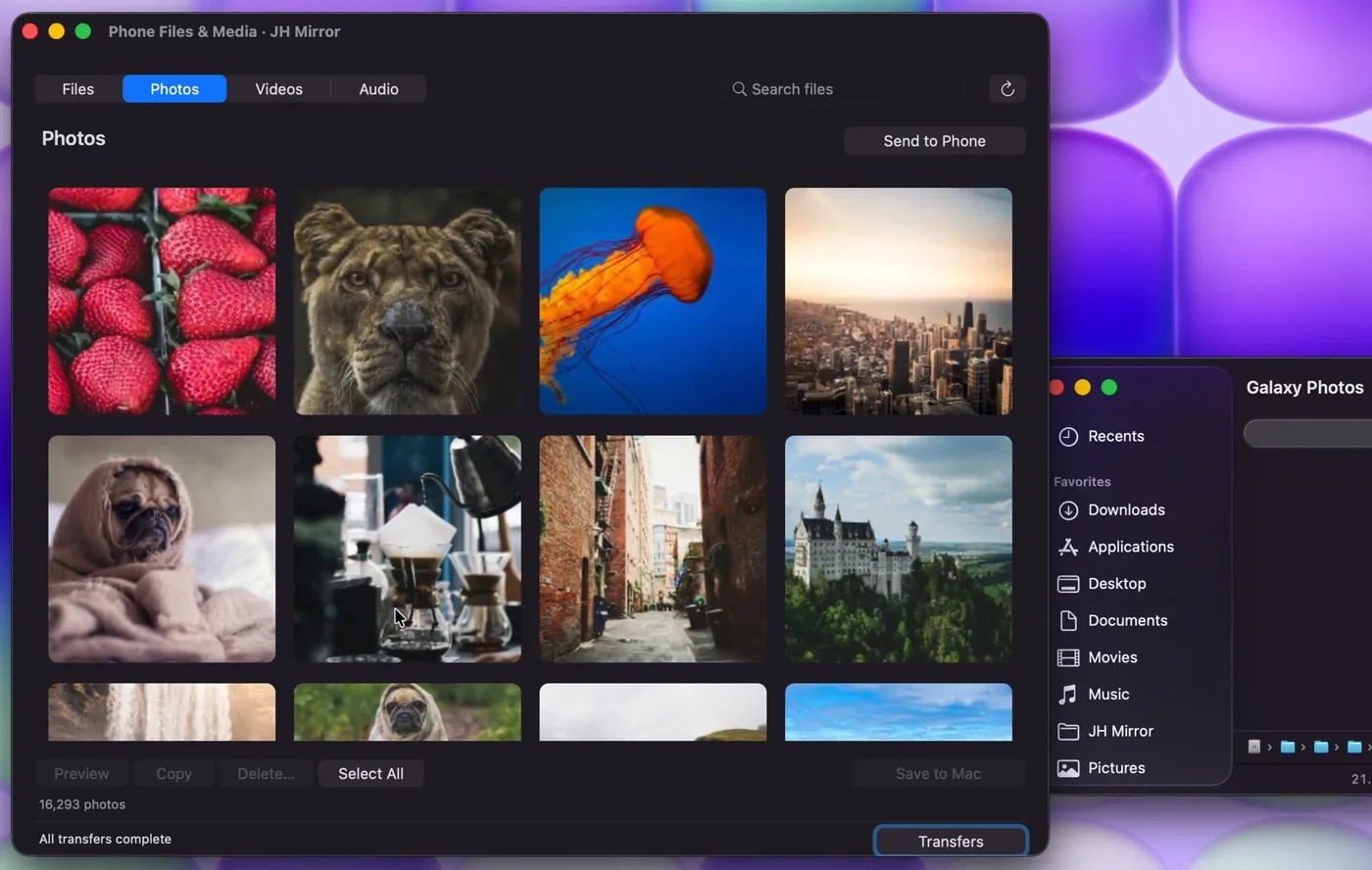
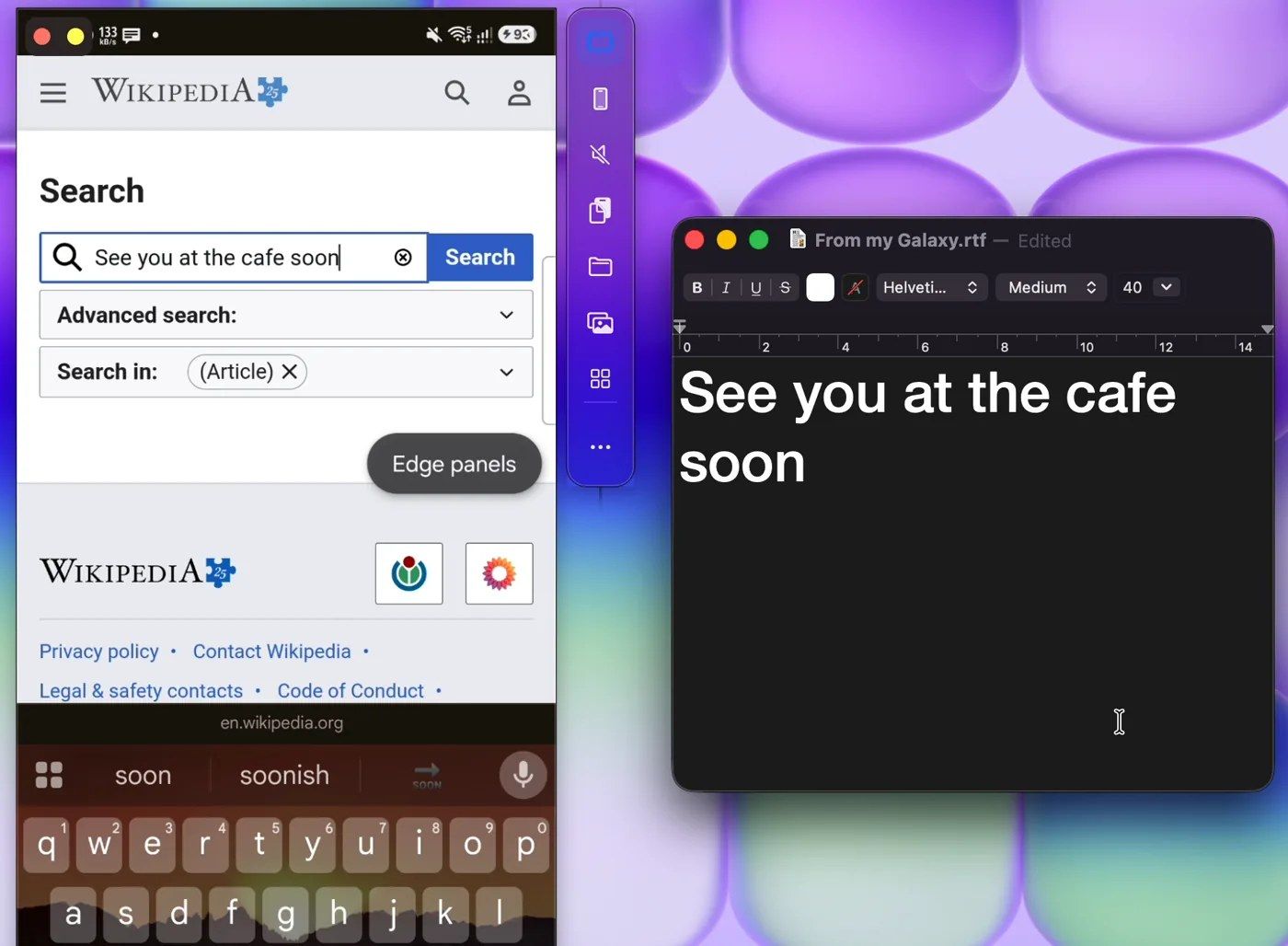
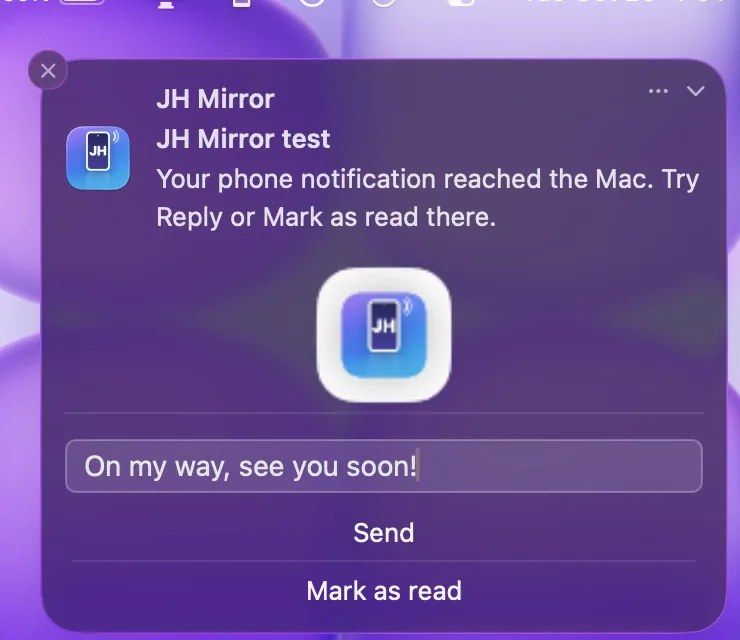
A free menu bar app that brings the Android phone onto the Mac: mirror and control the screen, reply to notifications, share the clipboard, move photos and files, and use the phone as a webcam.
Apple makes the iPhone and the Mac feel like one device. With an Android phone, they feel like strangers. I kept picking up my phone to read a notification, find a photo or copy a link, and every time it broke my focus.
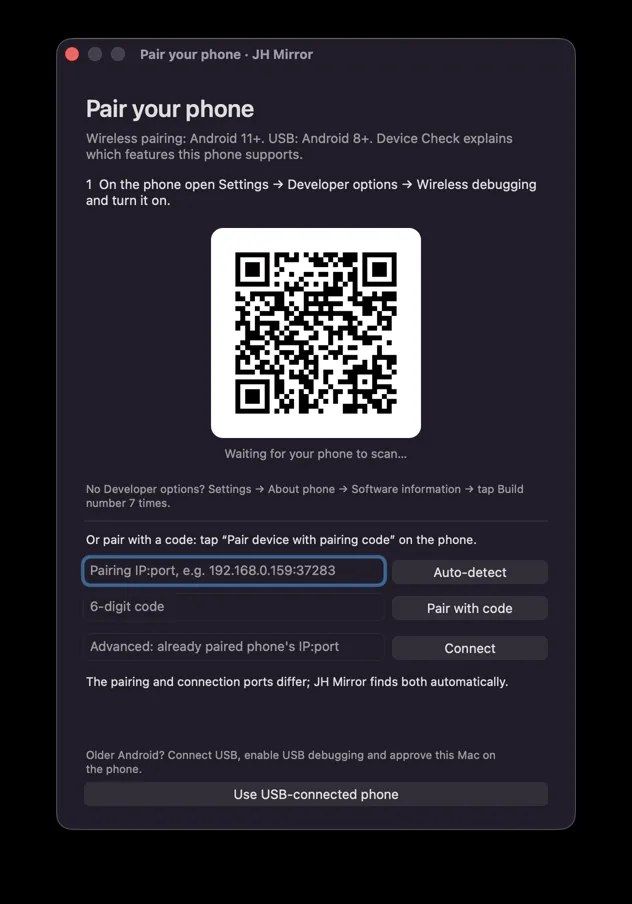
JH Mirror lives in the Mac menu bar. Pair the phone once by scanning a code, and from then on the phone is part of the Mac:
Screen mirroring is built on scrcpy, connected over Android’s Wireless debugging. Around it, JH Mirror adds the parts that make it feel native on macOS: the menu bar preview, notification sync, clipboard sharing, a media browser and webcam mode. The companion app installs on the phone automatically during pairing.
I directed the product, the design and every decision, and built it with Claude and Codex as my coding partners. I tested every feature on my own Mac and phone.
Yes. JH Mirror is free to download from GitHub.
An Apple silicon Mac and an Android phone running Android 11 or newer, on the same Wi-Fi network, with Wireless debugging turned on.
No separate download. The phone app installs by itself during pairing.
Screen mirroring is built on scrcpy, the open-source Android mirroring project (Apache 2.0).
Command a VPS, apps and APIs from one chat on your phone.
Every project. Every file. One place.
Self-hosted email warmup with AI-written conversations. $0 a month.
